Concept designers
You have a rough idea for a campaign, scene, object, or environment but no visual brief yet.
Create several distinct directions quickly and identify the composition worth developing.
free lora ai imagesFocused image creation
The lora ai generator is a focused starting point for turning an idea into a usable visual direction. Describe the subject, mood, and style you want, then refine the result instead of configuring a full local workflow first.
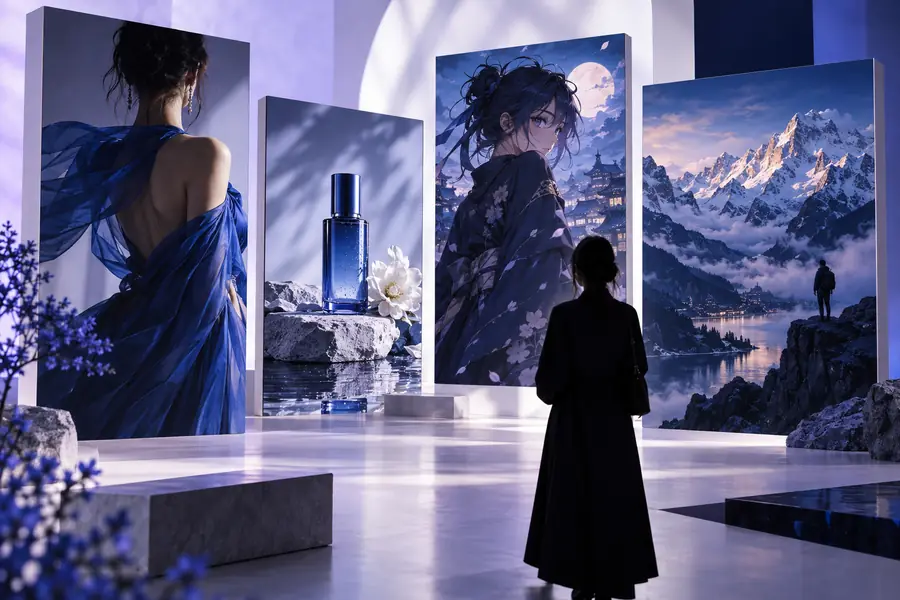
Choose your route
Use this route when you want to generate and refine visual ideas quickly. For model selection, image collections, or deeper workflow decisions, these related pages provide a better starting point.
Know the boundary
A prompt-first route is useful because it removes friction, but it is not a replacement for every LoRA workflow. These limits help you choose the right next step.
A short prompt can describe a person, product, or visual style, but it does not automatically learn a private reference set or preserve a subject across every output.
WorkaroundUse a dedicated training workflow when repeatable identity or product consistency is the main goal.
Generated images interpret language probabilistically. Specific poses, text placement, hand details, and precise object counts may vary between results.
WorkaroundSimplify the prompt, generate several variations, and use an editor or guided image workflow for exact placement.
This route is designed for a clear starting image, not every sampler, checkpoint, control, extension, or local automation option.
WorkaroundMove to ai lora models or an advanced local interface when you need detailed technical control.
The generator can produce an image, but you remain responsible for the people, brands, characters, datasets, and source material described or uploaded.
WorkaroundUse original or properly licensed references and review outputs before publishing or distributing them.
Simple workflow
You do not need to understand every LoRA setting before making a first image. Start with the visual result, then add control only when the first direction is clear.
Name the subject first, then add setting, lighting, composition, mood, and a few style cues. Concrete language gives the image generator more useful direction.
Look for what already works rather than rewriting everything. Keep strong details, remove vague adjectives, and adjust one major choice at a time.
Use the strongest result as a reference for the next pass, a creative brief, or a more advanced workflow where model and training controls matter.
Practical starting points
The generator is most useful when the goal is a visual decision: establish a direction, compare possibilities, or create a reference that another workflow can improve.
You have a rough idea for a campaign, scene, object, or environment but no visual brief yet.
Create several distinct directions quickly and identify the composition worth developing.
free lora ai imagesYou need a first-pass character mood, costume direction, or expression reference before detailed work.
Test silhouette, palette, setting, and tone before committing to a longer production process.
ai lora modelsYou want to explore packaging scenes, product moods, or campaign imagery without starting with a blank canvas.
Turn a written creative brief into visual options that are easier to review and revise.
lora ai onlineYou want a practical image idea for a post, thumbnail, storyboard, or personal project.
Move from a sentence to a usable visual reference, then decide whether deeper controls are necessary.
free lora ai imagesMake the first pass
Bring a specific subject and a few meaningful details. Lora AI can help you test the direction quickly, while your strongest result becomes the foundation for a more controlled workflow if you need one.
Generate an imageCommon questions
Answers for visitors deciding whether a prompt-first image workflow fits their project.
A lora ai generator is used to turn a written visual idea into an image or image direction. It is especially helpful for concept exploration, style testing, character references, product scenes, and early creative briefs.
Not for a first prompt-based result. A trained LoRA becomes useful when you need a recurring subject, character, product, or style to remain more consistent across many generations.
It can explore many visual directions when the prompt describes the intended medium, lighting, composition, and mood clearly. Results depend on the available model and prompt interpretation, so an exact style match is not guaranteed.
Lead with the subject and describe the most important visual constraints before adding decorative details. Make one change at a time, compare variations, and use the strongest output as a reference for the next pass.