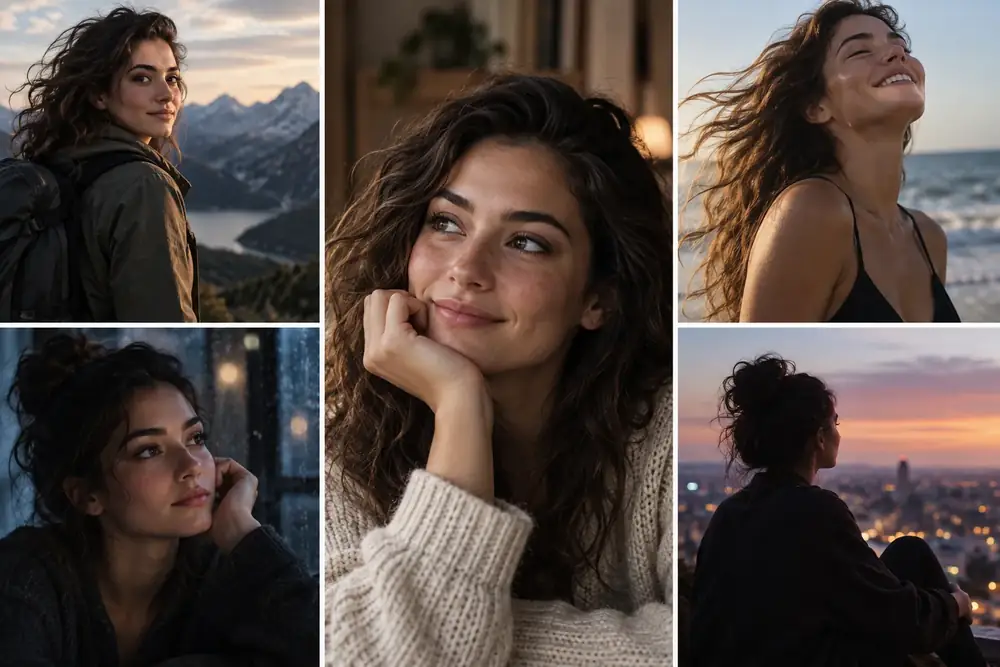
Character Consistency
Best for repeatable characters and stylized portraits
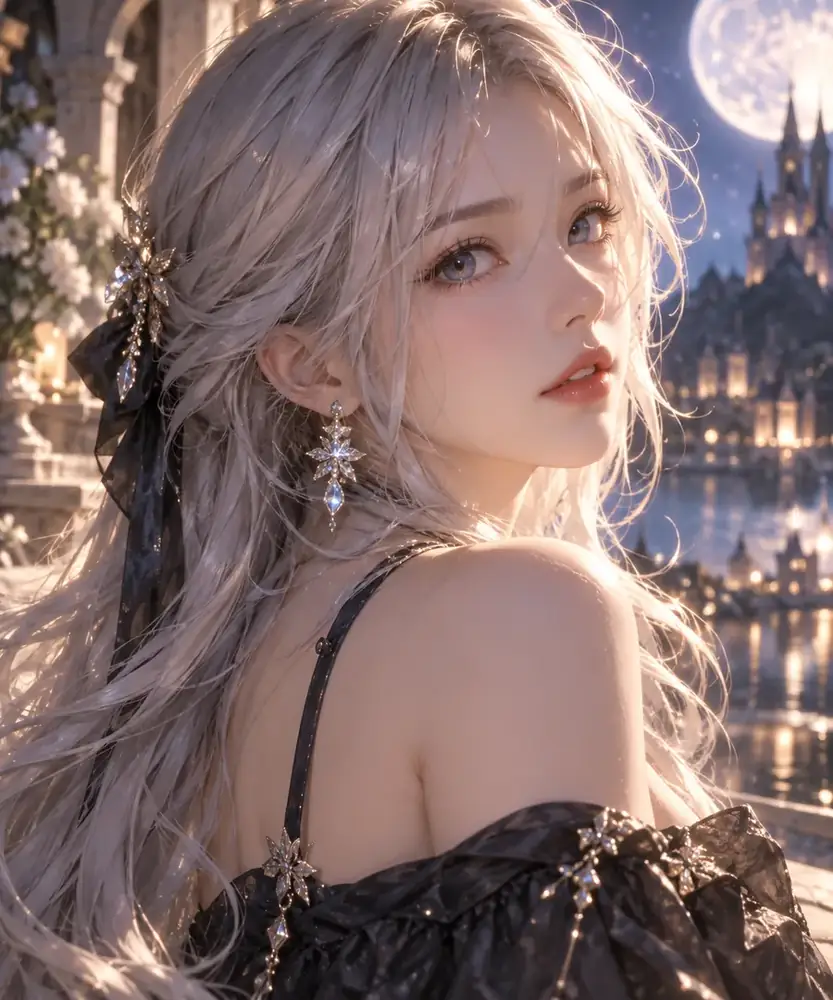
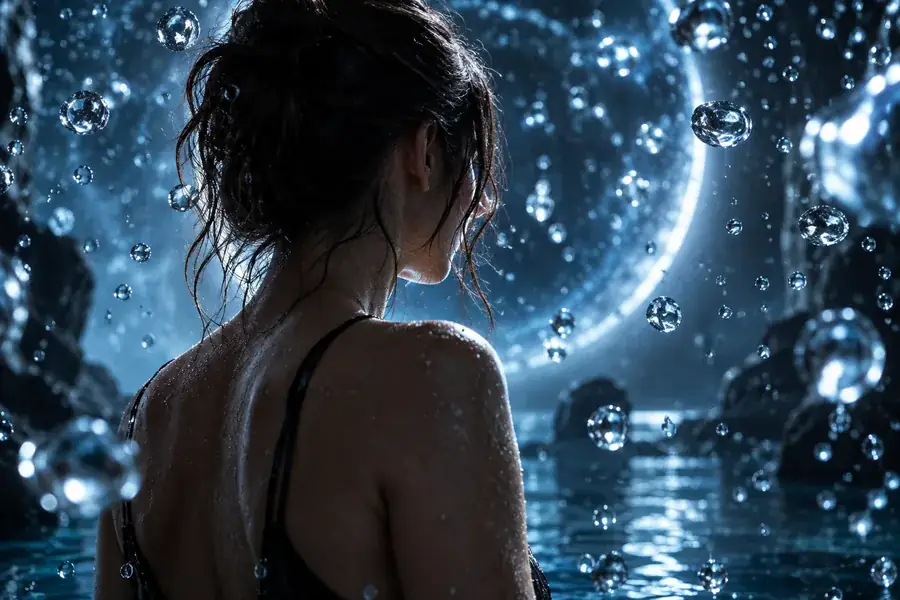
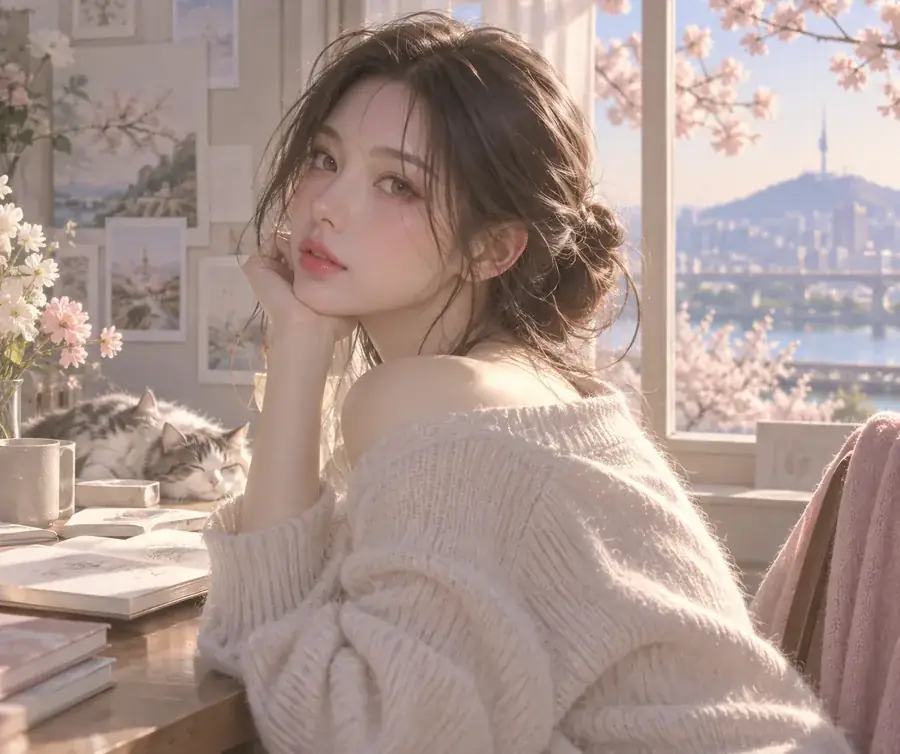
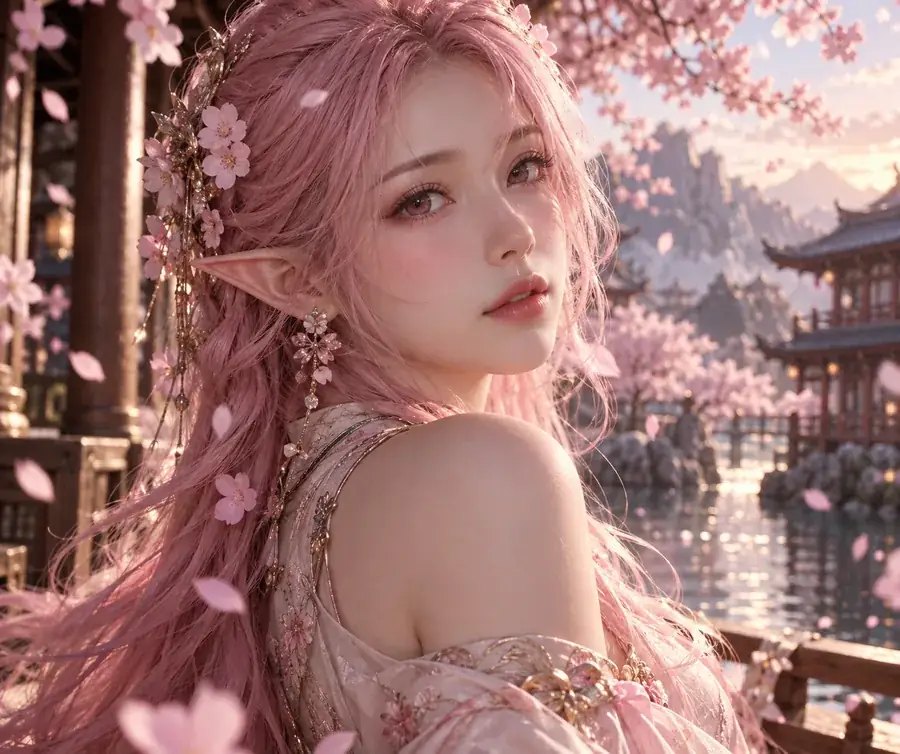
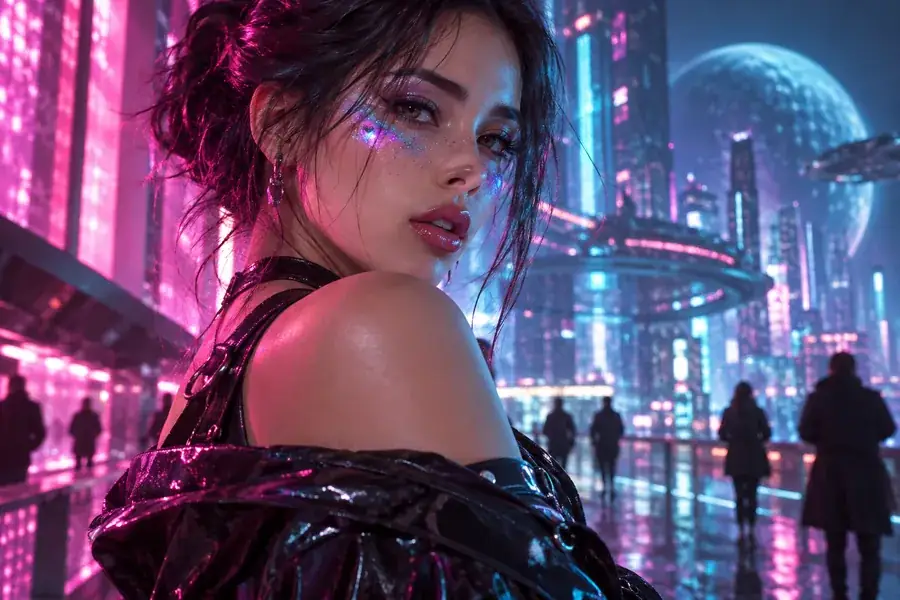
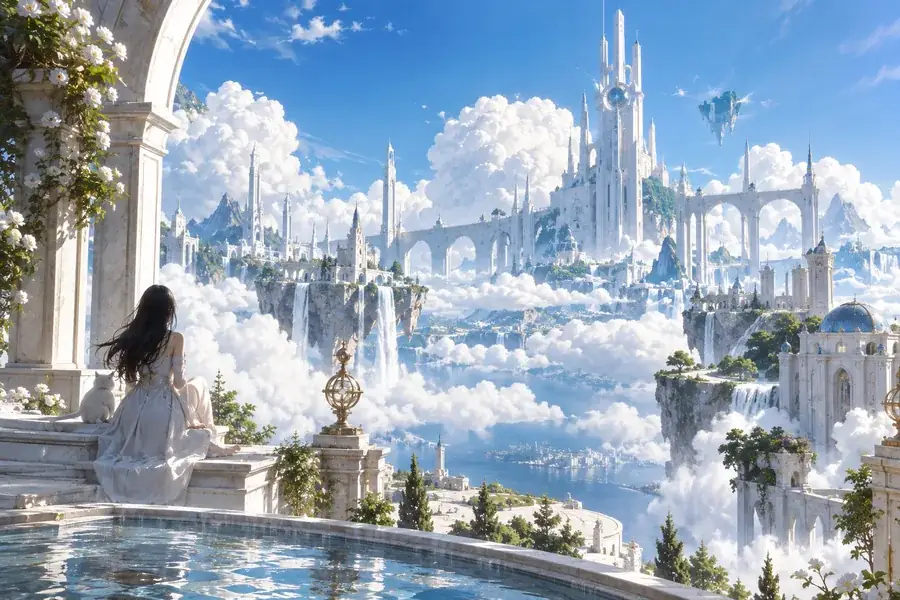
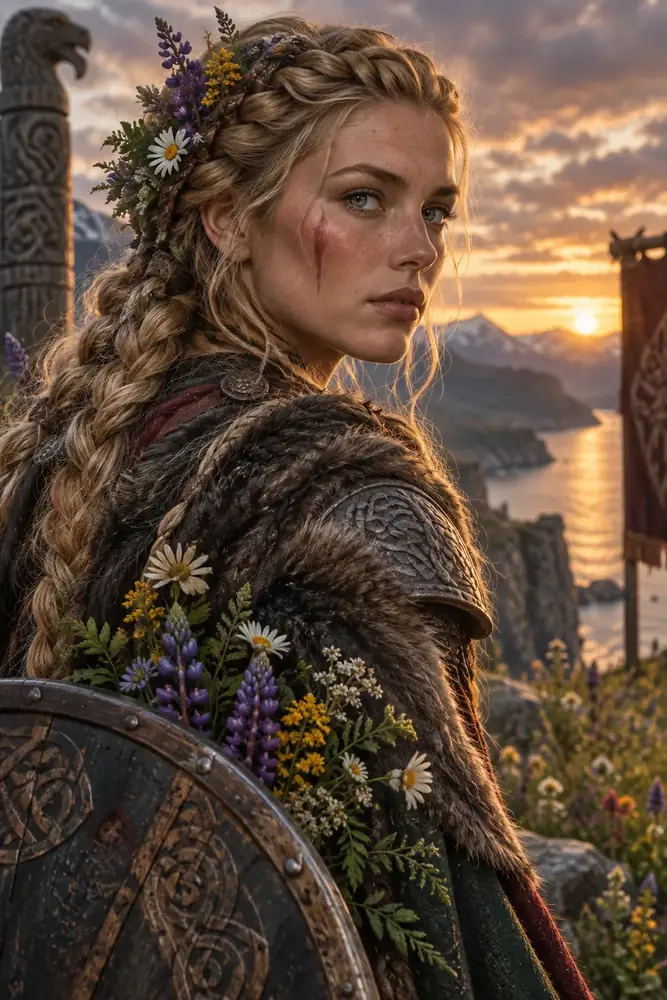
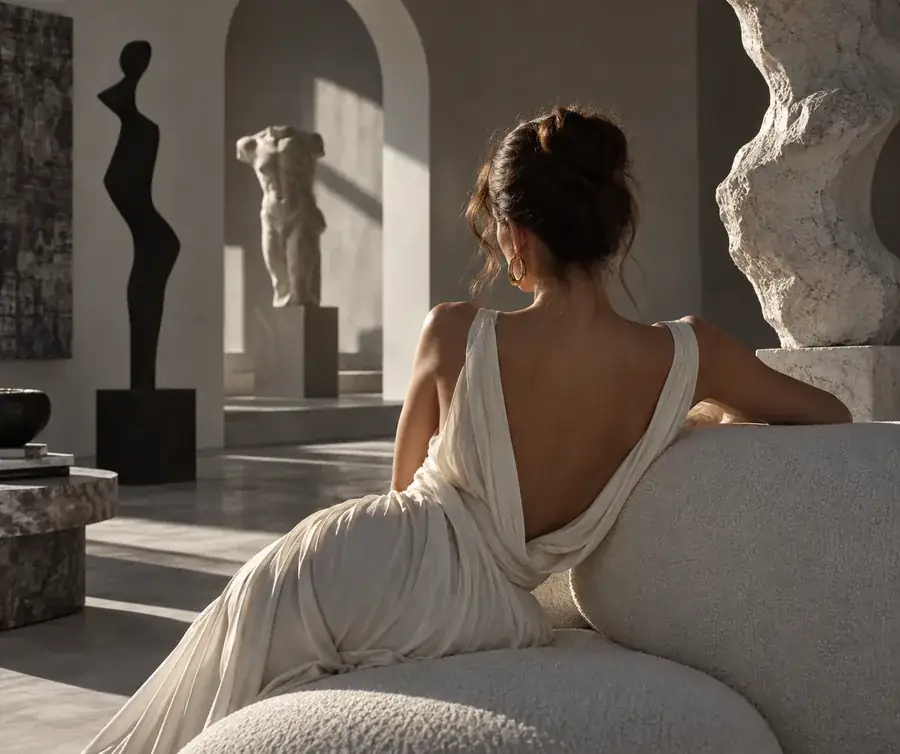
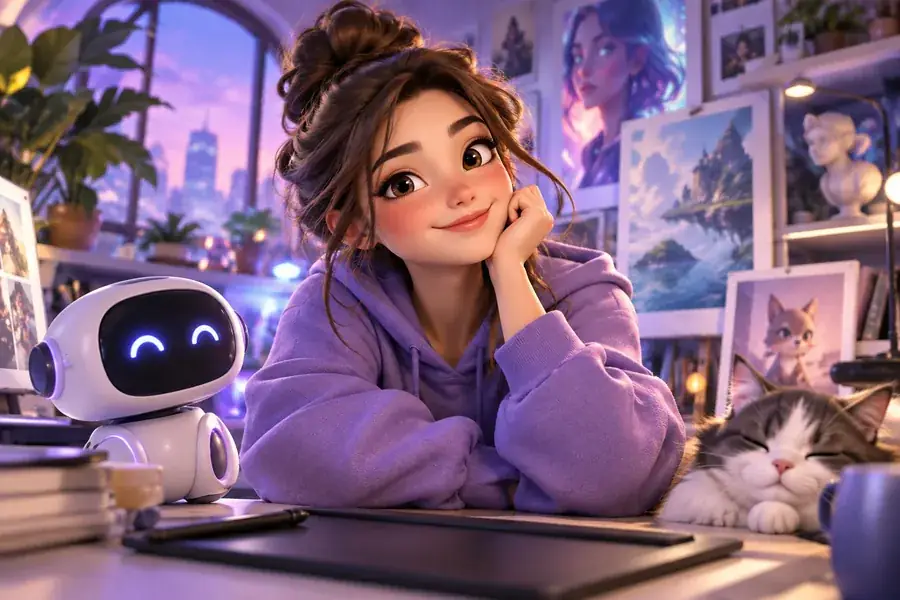
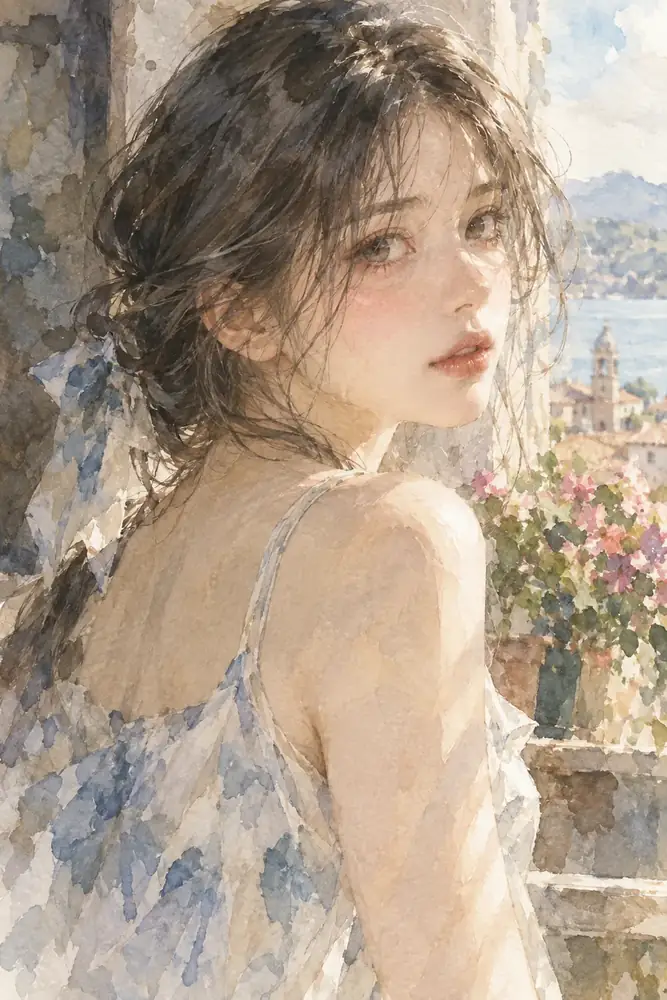
Generate portraits, anime characters, and stylized scenes with a more repeatable look across multiple prompts and iterations.
Generate consistent charactersTransform your ideas into beautiful, high-quality images using adaptive LoRA AI technology. Keep characters, products, visual styles, and branded scenes recognizable across more generations without starting from scratch.
Create consistent images with lora ai.
Free to start · no signup · ~10 s
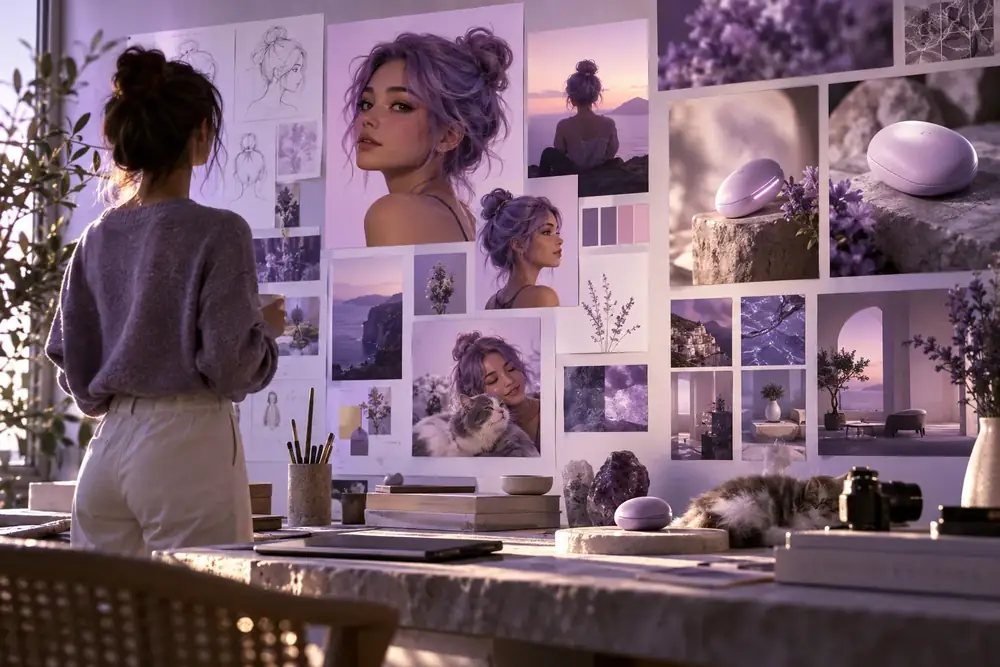
Creator gallery
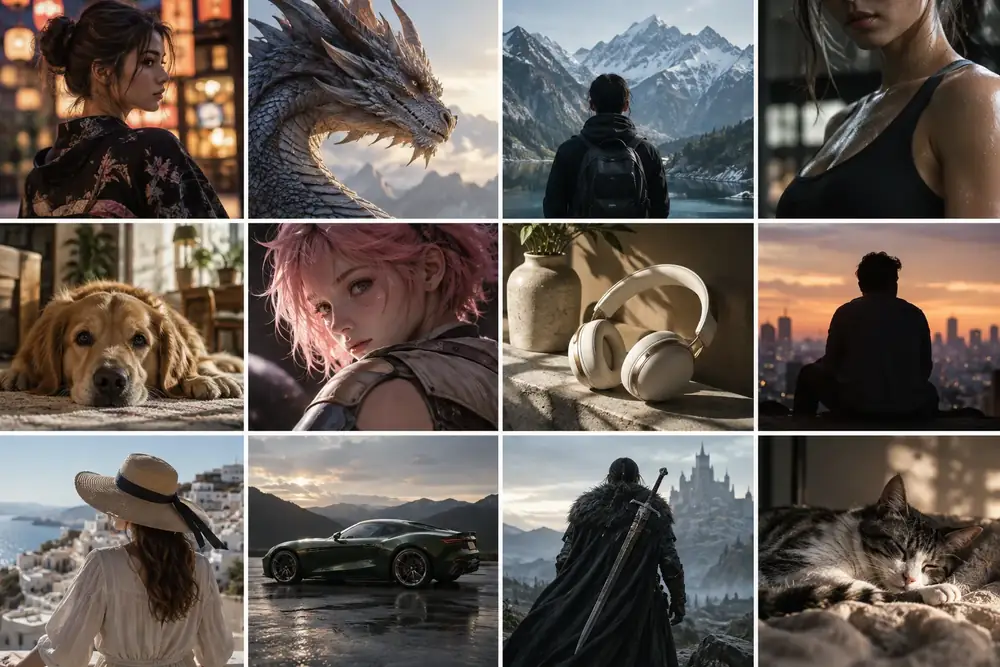
Browse portrait, anime, product, video, and character directions from the creative tools on LoRA AI.
Choose image generation, AI video, or custom LoRA training based on your goal.
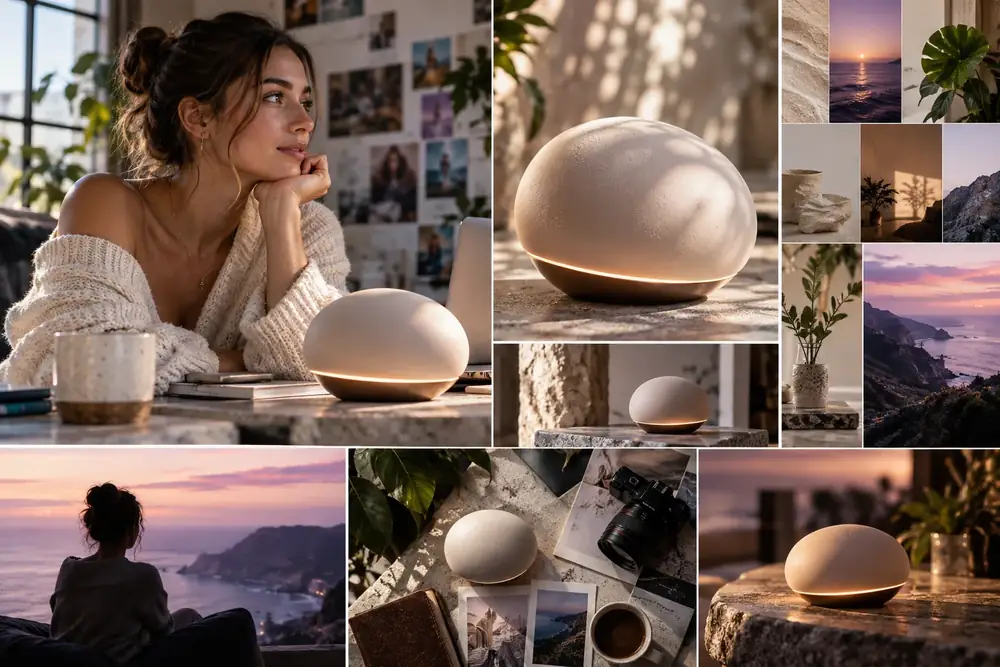
Create portraits, product shots, character art, and brand visuals with LoRA AI.
Fast start Generate Images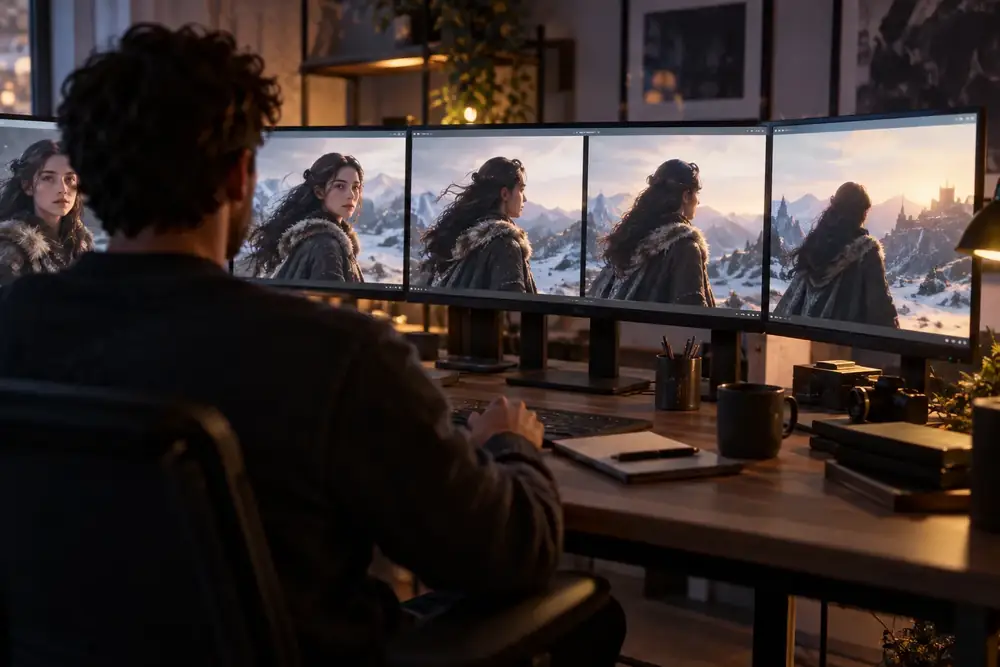
Turn prompts or reference images into LoRA-aware short videos.
Motion ready Create Videos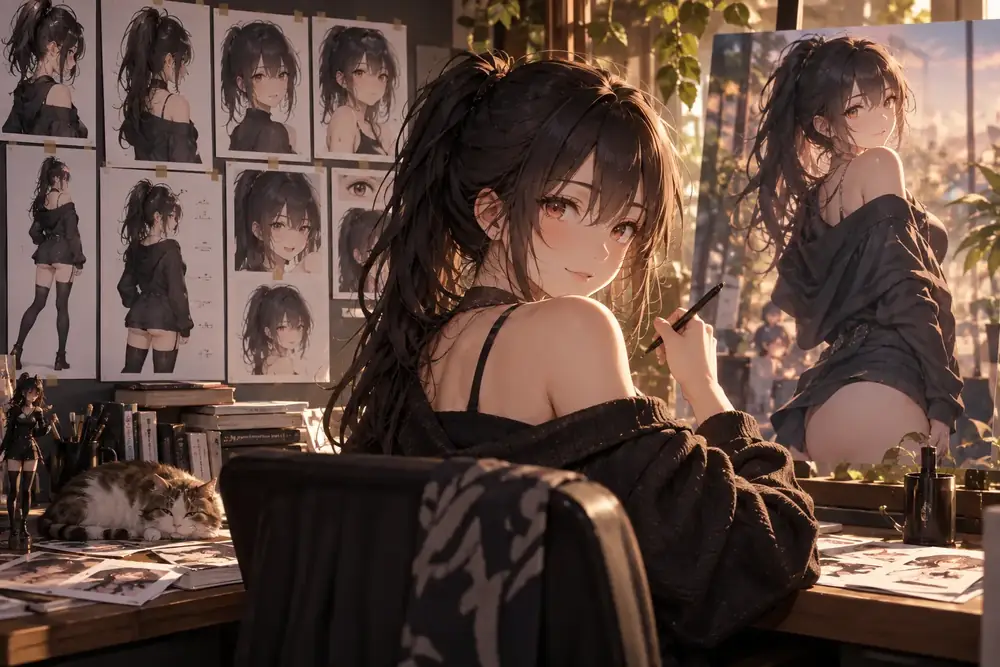
Train a reusable anime character or manga-style LoRA from a focused dataset.
High consistency Train Anime LoRA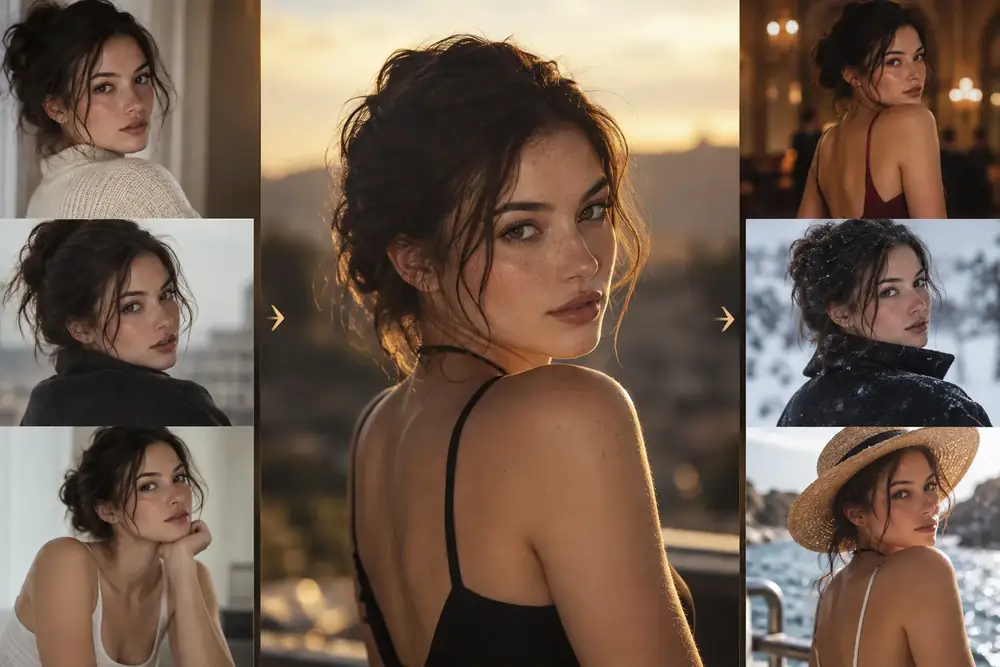
Build a reusable model for a person, character, product, style, or brand identity.
Best for consistency Train Character LoRAGeneral AI tools are useful for one-off ideas. LoRA AI is stronger when you need the same person, product, style, or visual identity to stay recognizable across many generations.
LoRA stands for Low-Rank Adaptation. In practice, LoRA AI lets you adapt a base model to a look, character, object, or style without retraining the full model from scratch.
Best for broad prompting and fast experiments, but less reliable when you need the same style, character, or product look again and again.
Adds focused behavior to a base model so you can get stronger style control, better subject consistency, and more repeatable outputs.
Best when you need your own character, product line, mascot, or branded visual system to stay recognizable across many generations.
If the homepage answers what LoRA AI is, these paths answer what to do next: generate, train, or move into LoRA-based video workflows.
LoRA models help keep characters, visual styles, products, and branded scenes more consistent across multiple generations.
Train your own LoRA when you need a repeatable look for a person, fashion line, product set, mascot, or house style.
Use the image tools for fast generation, video tools for motion content, and the trainer when you need a reusable model for future prompts.
Proof & use cases
Use LoRA AI for repeatable characters, product and brand visuals, and video concepts that need stronger style control than a one-off prompt can usually deliver.
Best for repeatable characters and stylized portraits
Generate portraits, anime characters, and stylized scenes with a more repeatable look across multiple prompts and iterations.
Generate consistent characters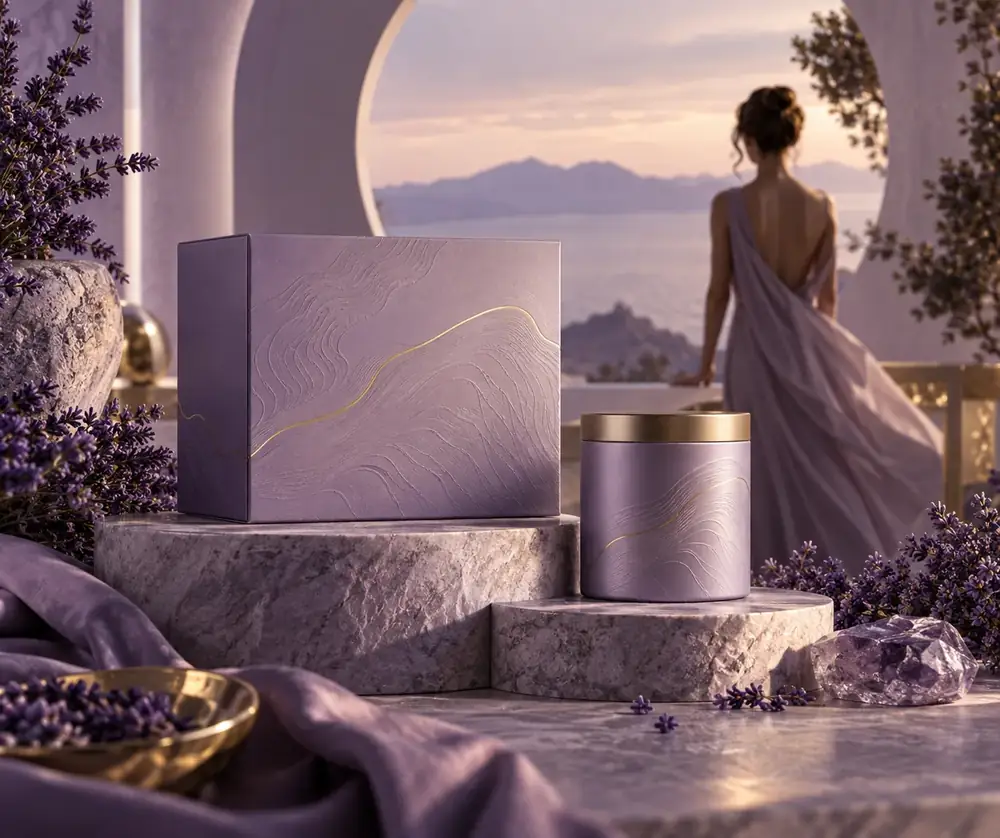
Best for ads, campaign visuals, and brand identity
Create product ads, campaign key visuals, and branded assets when you need the same visual identity to carry through multiple outputs.
Create product and brand visuals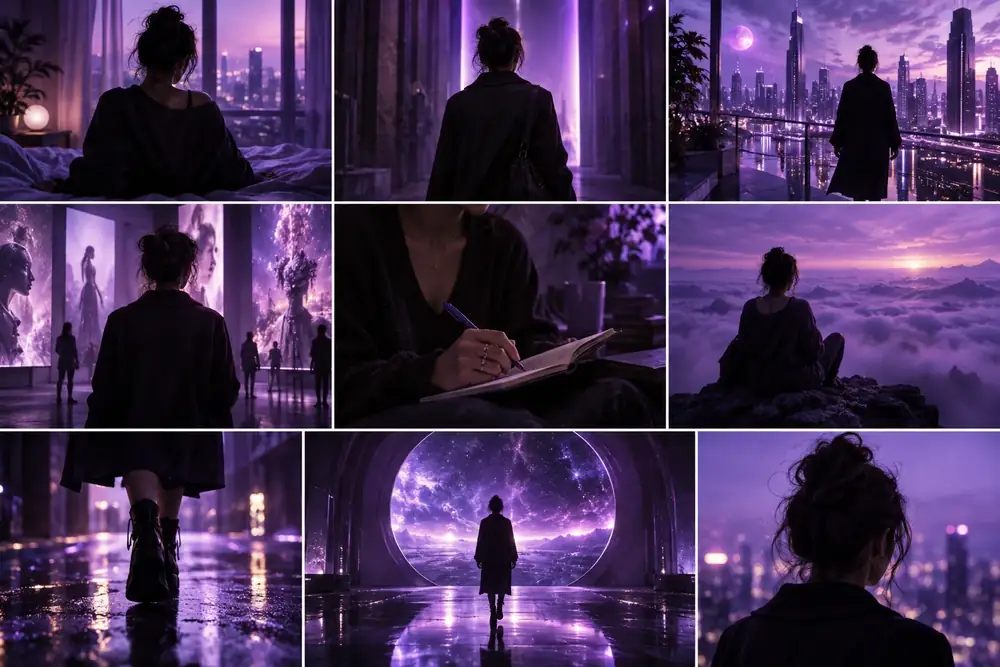
Best for LoRA-aware video scenes and motion drafts
Turn prompts or reference images into short motion drafts, video concepts, and LoRA-aware creative tests for scenes, promos, and characters.
Create LoRA video conceptsDiscover what makes our LoRA AI image generator a strong choice for creators worldwide. Advanced LoRA AI technology delivers reliable results with more control over your creative workflow.
Generate high-quality images in seconds with optimized LoRA AI models. The streamlined infrastructure keeps creative workflows moving without compromising on image quality.
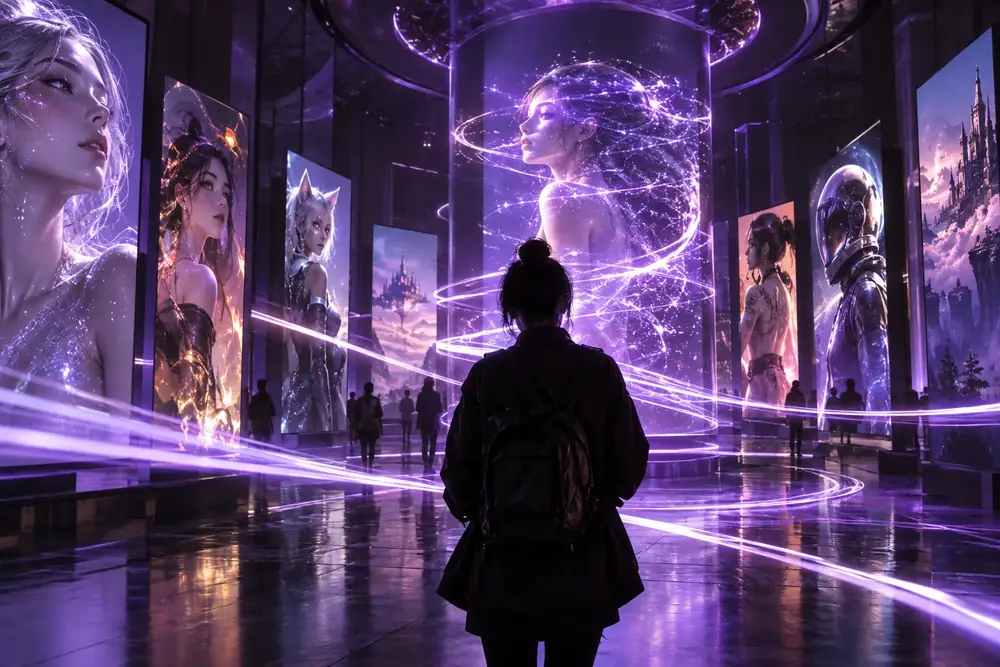
Use state-of-the-art LoRA AI algorithms to create unique, professional-quality images. Diverse training directions help the models handle everything from realistic portraits to abstract artistic expressions.
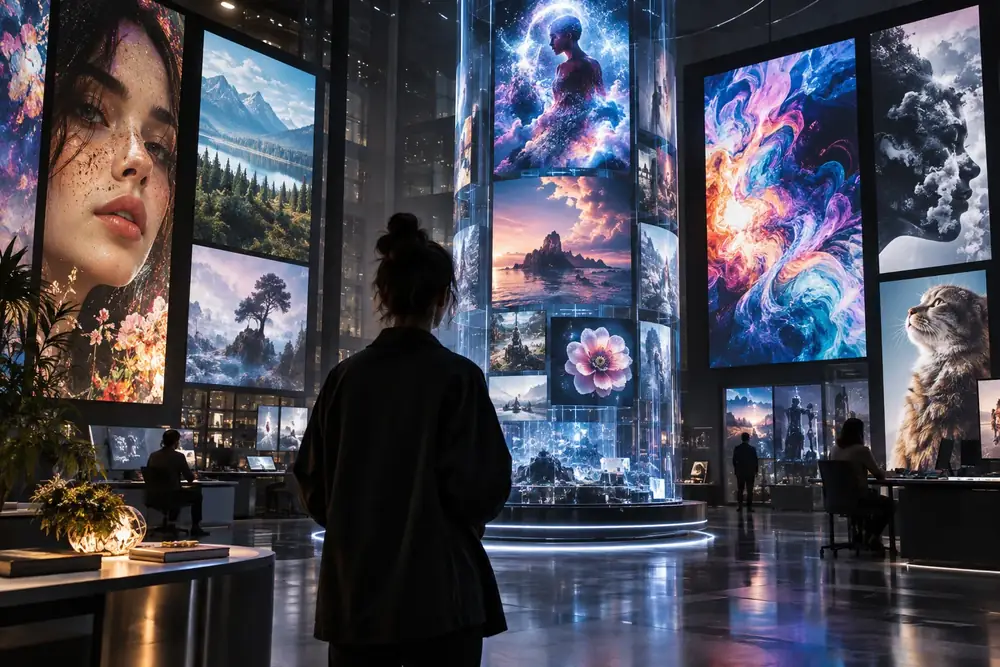
The intuitive LoRA AI platform is designed for beginners and experts alike, requiring no coding skills. Focus on your creative direction instead of technical complexity.
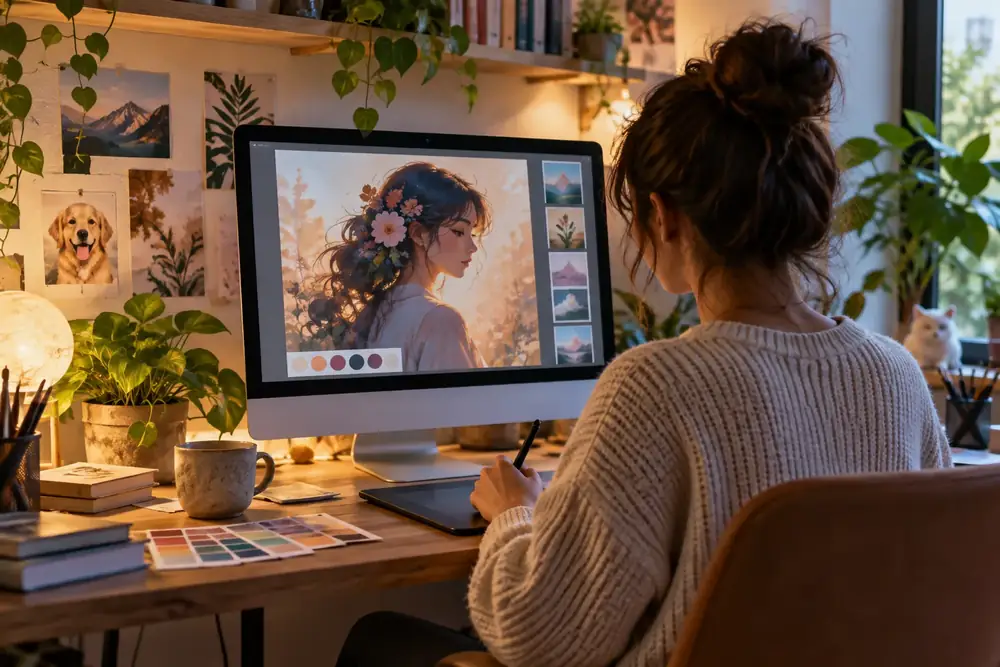
Seamlessly bring LoRA AI models into popular workflows like Stable Diffusion XL, ComfyUI, and other leading AI art tools for maximum flexibility.
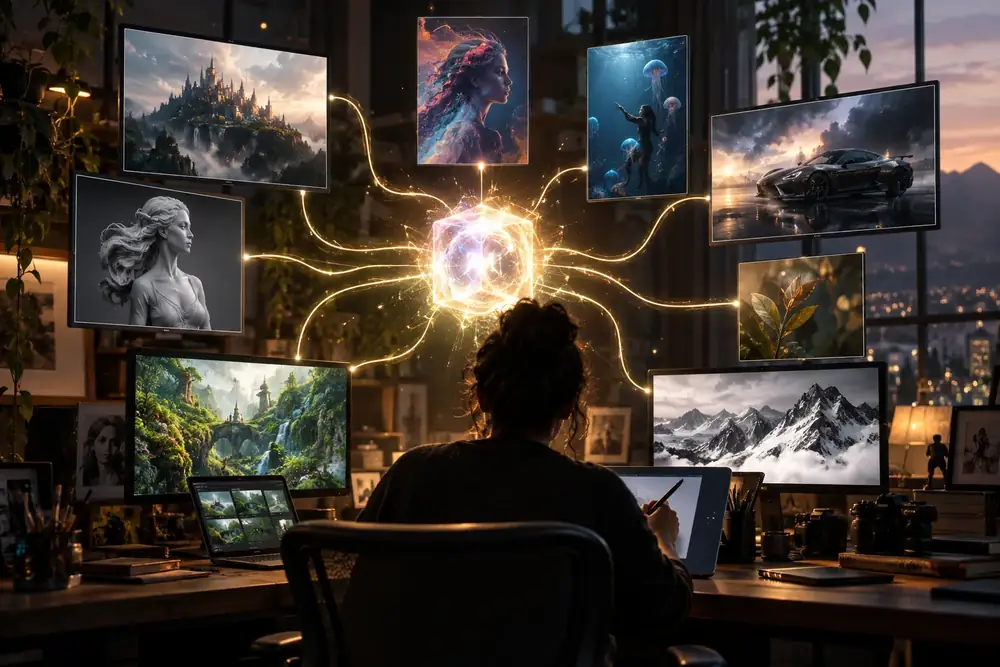
Create amazing LoRA AI images in just 3 simple steps. The streamlined process makes consistent image generation accessible to everyone.
Write a detailed description of the image you want to create. LoRA AI understands natural language and interprets your creative intent with remarkable accuracy.
Choose from a library of pre-trained LoRA AI models or bring your custom direction. Each model is optimized for specific artistic styles and subjects.
Send your prompt to the partner workflow and receive high-resolution artwork ready for your next creative project.
A clear, creative image generation experience for modern workflows.
We combine adaptable LoRA AI technology with user-friendly design to deliver a powerful and accessible image generation platform. Explore different visual directions, reuse the looks that work, and build a workflow that grows with your ideas.
Model directions built for superior image quality and repeatable creative output.
Efficient image workflows help you move from prompt to concept quickly.
Account-based access and privacy-conscious media handling for creative work.
Start simple, then bring your own characters, products, styles, and references.
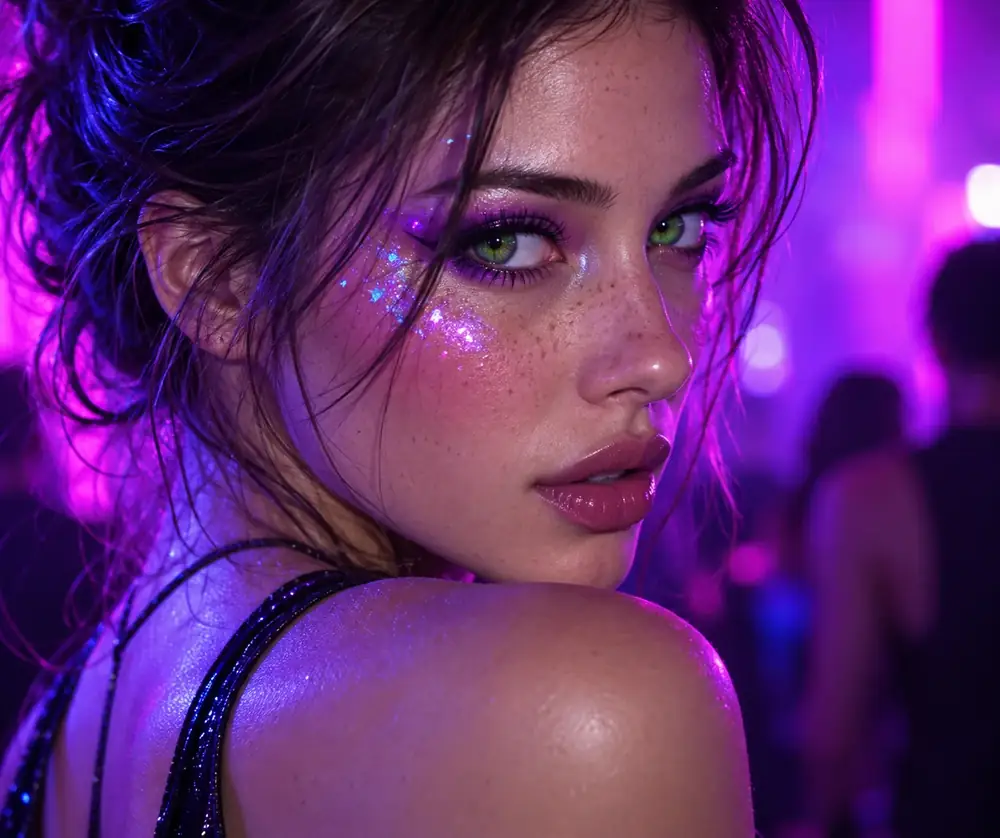
Bring your imagination to life with adaptable LoRA AI workflows for images, characters, products, and visual styles.
You can choose the image count in the generation workflow. The partner experience shows the available options for the selected model and settings.
Usage depends on the model and the terms of the destination workflow. Review the applicable model terms before using artwork commercially.
Prompt and asset availability depends on the account and workflow you use after following the creation link.
LoRA stands for Low-Rank Adaptation. It adds focused behavior to a base model so a look, subject, or visual style can be reused more consistently.
A base model offers broad image knowledge, while a LoRA adds a focused direction that can improve style control, subject consistency, or repeatability.
Yes. A custom LoRA is useful when you want to reuse a person, character, product line, mascot, house style, or branded identity.
LoRA-based video workflows can help preserve a character, motion style, or visual direction across short video concepts and sequences.
You can start with available model directions. Your own carefully selected dataset becomes useful when training a custom look or subject.
Generation time varies by model, resolution, queue, and settings. The destination workflow provides the current estimate when you submit your prompt.
Estimates vary by model, resolution, number of outputs, dataset size, and training settings. Exact usage is shown in the workflow before you begin.
Available video workflows vary over time. Follow the video creation path to see the currently supported model and training options.
Failed tasks are handled by the destination workflow according to its current task and usage policy. Check the task status before submitting again.
Task handling and any applicable return process are controlled by the destination service. Review its current support guidance for account-specific help.