Use Lora AI Online to Shape Consistent Images
Lora AI online gives you a focused way to test prompts, apply a visual direction, and review generated images before committing to a larger workflow. Start with a plain-language idea and refine what matters.

One online workspace, several useful starting points
Choose the route that matches your next task, then return here when you want a simpler place to test an idea.
From prompt to review in three clear moves
The online flow keeps the first pass simple: describe the direction, let the system apply the visual treatment, and judge the result before changing your setup.
-
1
Describe the visual target
Write the subject, setting, mood, composition, and any traits that should remain recognizable. Specific visual cues give the first pass a useful baseline.
-
2
Generate a focused draft
Submit the prompt through the hosted interface and let the selected workflow produce an image. Treat this as a direction check, not a final production asset.
-
3
Review and refine
Look for identity, style, anatomy, lighting, and prompt adherence. Adjust one variable at a time so you can tell which change improved the result.
See what an applied style can change
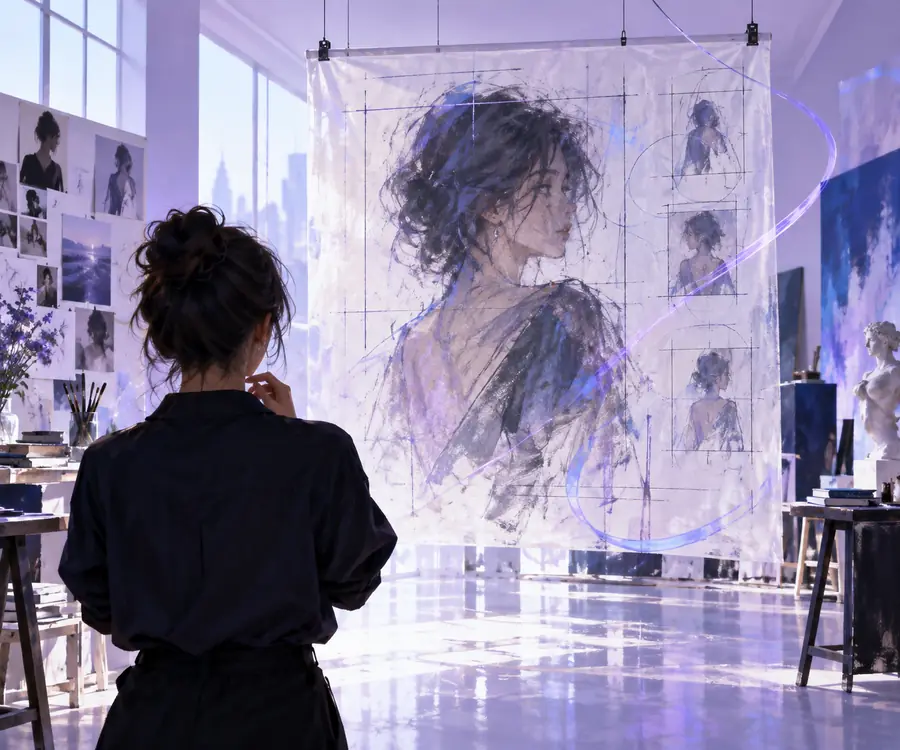
A LoRA-style adaptation can move a generic prompt toward a more recognizable visual language. The comparison is a useful reminder to judge the output itself, not only the model name.
- Base direction
- Applied direction
Use the pair as a visual checkpoint: preserve the subject while improving the intended style, character, or product treatment.

Limits and edges to keep in mind
An online surface reduces setup work, but it does not remove the technical or creative trade-offs behind LoRA-based generation.
-
It cannot guarantee an exact likeness
A prompt and adapter can encourage recurring traits, but small changes in pose, lighting, crop, or seed may alter a face or design.
WorkaroundKeep reference cues specific and compare several drafts before choosing a direction.
-
It cannot replace a full local pipeline
Hosted generation may hide controls for samplers, extensions, nodes, training settings, or file management that advanced users rely on.
WorkaroundUse the online workflow for exploration, then move to a local interface when deeper control matters.
-
It cannot fix a weak source concept
An adapter can reinforce a direction, but it cannot decide the strongest composition, product message, or story beat for you.
WorkaroundDefine the subject, audience, framing, and must-have details before submitting the prompt.
-
It cannot make every model compatible
LoRA files are built for particular base-model families and may behave poorly when paired with the wrong architecture or version.
WorkaroundCheck the adapter's intended base model and confirm compatibility before troubleshooting the output.
Turn a visual idea into a testable first draft
Skip the setup maze for your next experiment. Bring a clear subject and a few visual constraints, then use the hosted workflow to see whether the direction is worth developing.
Start creating online- Describe a subject in plain language
- Review the visual direction before refining
- Move to deeper controls only when you need them
Frequently asked questions
It is a hosted way to explore LoRA-assisted image generation through a browser-based workflow rather than installing and configuring every local component first. You describe an image, review the result, and refine the direction from there.
Yes, the purpose of an online workflow is to let you begin from a browser without setting up a local model interface. You may still need a more advanced local environment later if you want deeper technical controls.
You can explore portraits, characters, product visuals, environments, and other image concepts when the selected model and adapter support them. Results depend on the base model, prompt quality, compatibility, and the visual reference behind the adapter.
It can help you test recurring character traits and visual direction, but consistency is not automatic. Keep descriptions stable, review multiple drafts, and use compatible adapters and references when identity matters.
Examples may use a particular base model, prompt, seed, sampler, resolution, and adapter strength that are not identical to your run. Small differences in those inputs can change composition, detail, color, and likeness.